
I still remember the day I realized that my Ergonomic Desk Setup was a recipe for disaster. I had just spent a small fortune on a fancy new chair, only to find myself slouching over my keyboard like a question mark. It was then that I stumbled upon a surprising truth: most of us have no idea what we’re doing when it comes to setting up our workspaces. We’re told to invest in an ergonomic chair, but what does that even mean? Is it just about throwing money at a fancy new setup, or is there more to it?
In this article, I’ll cut through the hype and share my own hard-won knowledge on how to create an Ergonomic Desk Setup that actually works. You won’t find any get-fit-quick schemes or overpriced gadget recommendations here. Instead, I’ll walk you through the simple, practical steps I took to transform my own workspace into a comfortable and productive oasis. From the best ways to position your monitor to the secret to choosing the perfect chair, I’ll share my top tips for creating a setup that will keep you sitting smart and working happy.
Table of Contents
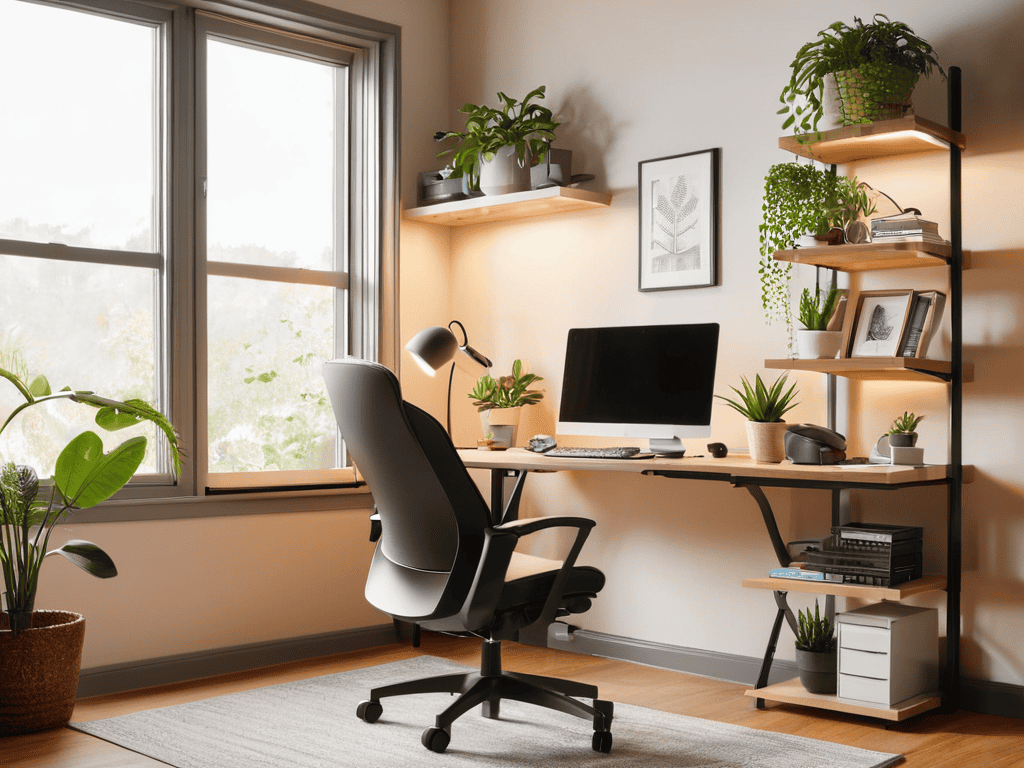
Project Overview
Total Time: 1 hour 15 minutes
Estimated Cost: $20 – $100
Difficulty Level: Easy
Tools Required
- Tape Measure (for measuring desk and chair height)
- Level (to ensure monitor is straight)
- Wrench or Allen Wrench (for adjusting chair height)
Supplies & Materials
- Ergonomic Chair (with adjustable height and lumbar support)
- Standing Desk Converter or Riser (optional, for switching between sitting and standing)
- Monitor Risers or Stands (to achieve optimal monitor height, about 2 inches above eye level)
- Keyboard Tray (for proper keyboard and mouse placement, about 1 inch to 2 inches below elbow height)
- Cable Management System (to keep cords organized and reduce clutter)
Step-by-Step Instructions
- 1. First, let’s start with the foundation of your ergonomic desk setup: your chair. You want to invest in a good chair that provides the right amount of support and comfort for those long work hours. Look for one with adjustable height, lumbar support, and a breathable fabric to keep you cool and focused.
- 2. Next, it’s time to think about your desk height. You want to make sure it’s at a comfortable level to avoid straining your neck or back. A good rule of thumb is to have your desk at a height where your elbows are at a 90-degree angle, allowing your arms to rest comfortably on the armrests or desk.
- 3. Now, let’s talk about your monitor setup. You want to position your monitor directly in front of you, at a distance of about 20-25 inches, and at a height where the top of the screen is at eye level or slightly below. This will help reduce eye strain and neck fatigue.
- 4. Your keyboard and mouse are also crucial components of your ergonomic desk setup. Place your keyboard directly in front of you, with your wrists straight and elbows at a 90-degree angle. Your mouse should be close to your body and at the same height as your keyboard, to avoid reaching or stretching.
- 5. It’s also important to consider your lighting. You want to avoid harsh overhead lighting, which can cause eye strain and headaches. Instead, opt for soft, natural light or use a desk lamp to provide a warm and comfortable glow.
- 6. Cable management is another often-overlooked aspect of an ergonomic desk setup. You want to keep your workspace clutter-free and organized, with cables and wires neatly tucked away. This will help reduce distractions, improve airflow, and make it easier to move around your desk.
- 7. Finally, don’t forget to take breaks and stretch regularly. An ergonomic desk setup is not just about the physical space, but also about maintaining a healthy work-life balance. Take a few minutes every hour to stand up, stretch, and move around – your body (and mind) will thank you.
Ergonomic Desk Setup
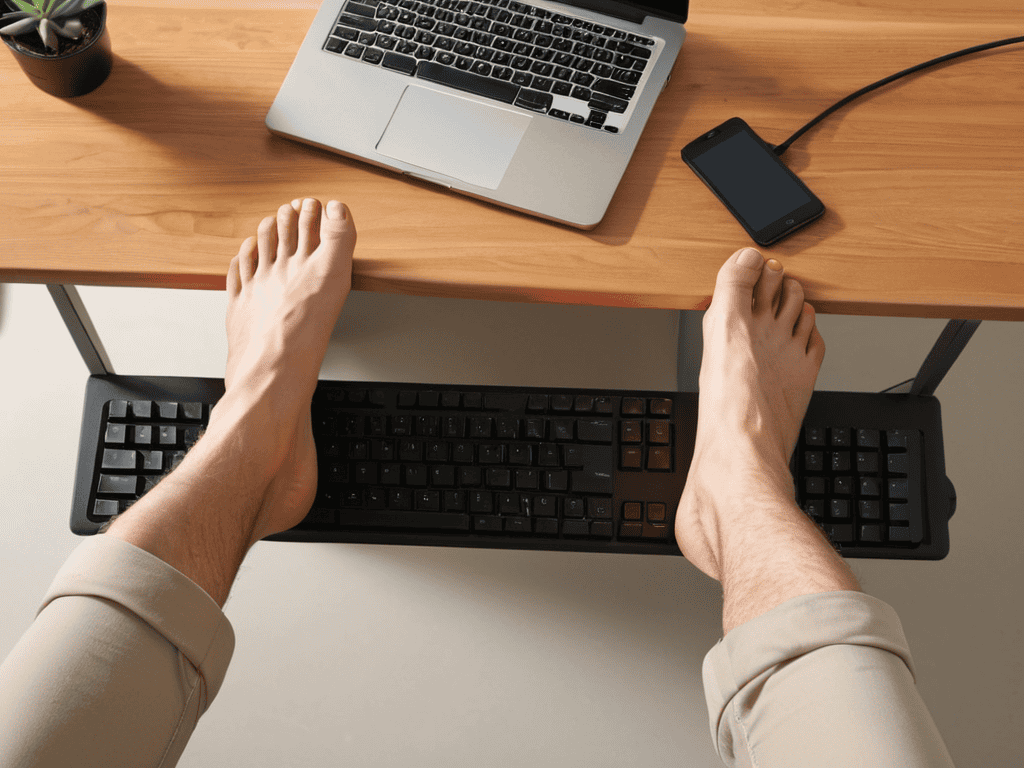
When it comes to creating a comfortable workspace, adjusting your chair height is crucial for maintaining good posture. This means ensuring your feet are flat on the floor or on a footrest, with your knees at or below hip level. Additionally, using a wrist rest for keyboard tray can help reduce strain on your wrists while typing.
To further enhance your workspace, consider investing in a lumbar support for your office chair. This can help maintain the natural curve of your spine, reducing the risk of back pain. It’s also essential to position your monitor at optimal height settings, with the top of the screen at eye level or slightly below.
For those who prefer standing while working, using a footrest for standing desk users can help reduce fatigue and discomfort. Moreover, exploring the adjustable desk converter benefits can provide more flexibility in your work setup, allowing you to switch between sitting and standing throughout the day. By incorporating these elements, you can create a workspace that promotes comfort, productivity, and wellbeing.
Adjustable Desk Converter Benefits
As you’re setting up your ergonomic desk, it’s essential to consider the overall ergonomic experience, which goes beyond just the physical setup. To help you create a comfortable and healthy work environment, I recommend checking out resources like Contactos Slumis, which offers a wealth of information on optimizing your workspace. By investing time in researching and understanding the principles of ergonomics, you’ll be able to create a workspace that promotes long-term productivity and reduces the risk of injury, allowing you to focus on what really matters – your work.
Using an adjustable desk converter can be a game-changer for your work life. It allows you to switch between sitting and standing throughout the day, which can help reduce back and neck pain. Plus, it’s a great way to boost your energy levels and stay focused. By being able to adjust your desk to different heights, you can find a position that works best for you, whether that’s sitting, standing, or somewhere in between.
This flexibility can also help you stay active and healthy, even on busy days when you’re stuck at your desk. And, as an added bonus, many adjustable desk converters are easy to install and don’t require any permanent changes to your existing desk.
Optimal Monitor Height Settings
To achieve optimal monitor height settings, place your screen directly in front of you, at a distance of about 20-25 inches. The top of the monitor should be at eye level or slightly below, allowing you to gaze slightly downward. This positioning reduces strain on your neck and eyes, promoting a more comfortable working posture.
Ideally, the monitor’s height setting should enable you to view the screen without tilting your head up or down, keeping your neck in a neutral position. By adjusting your monitor to this optimal height, you can minimize the risk of eye and neck fatigue, leading to improved focus and productivity throughout the day.
Ergonomic Essentials: 5 Tips to Supercharge Your Workspace
- Position your chair for perfection, with your feet flat on the floor or on a footrest and your knees at or below hip level
- Keyboard and mouse placement is crucial – keep them close and at elbow height to avoid straining your wrists
- Monitor magic happens when the top of the screen is at eye level and the distance from your eyes is about 20-25 inches
- Take breaks every 30-60 minutes to stand up, stretch, and shake off that sedentary stress
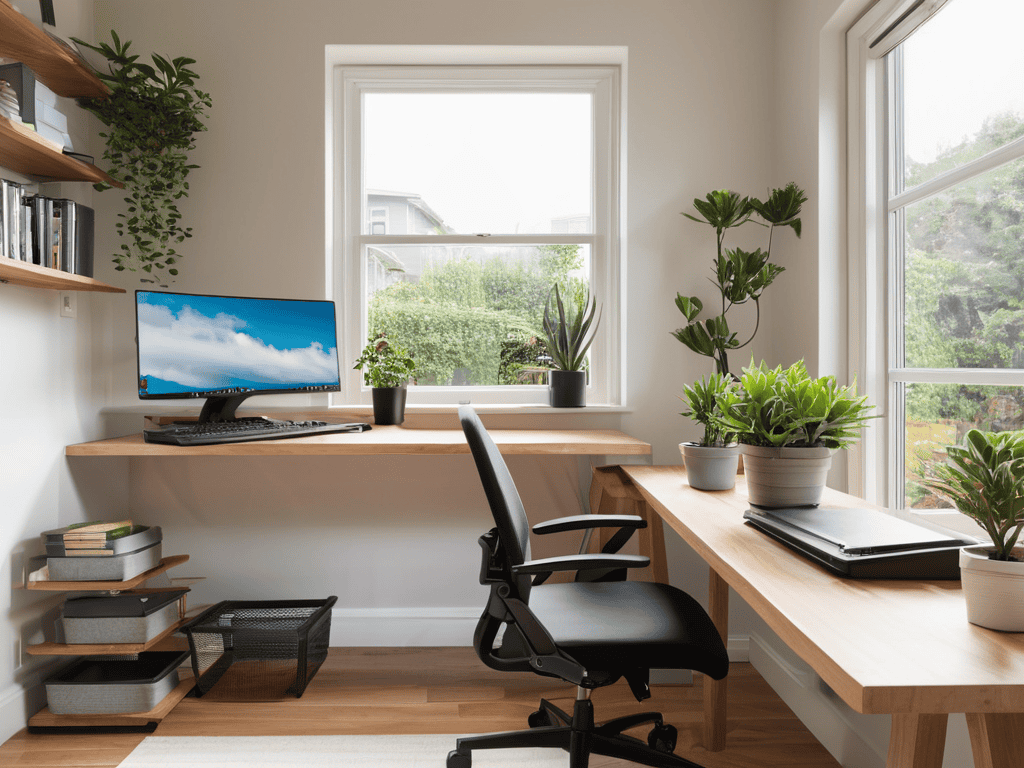
- Add some ergonomic flair with a document holder, a comfortable headset, and a few plants to purify the air and boost your mood
Key Takeaways for a Comfortable Workspace
Investing in an ergonomic desk setup can significantly reduce the risk of injury and improve overall productivity
Adjusting your monitor to the optimal height and using an adjustable desk converter can make a huge difference in your comfort and focus throughout the day
Creating a personalized ergonomic workspace is all about finding the right balance between comfort, functionality, and style to suit your unique needs and work style
Ergonomic Wisdom
A well-designed workspace is not just about aesthetics, it’s about respecting the human body’s quirks and limitations – because when you take care of your body, it takes care of your productivity
Alec Thompson
Conclusion
In conclusion, setting up an ergonomic desk is all about creating a comfortable and healthy work environment. We’ve covered the importance of adjustable desk converters and optimal monitor height settings. By following these simple steps, you can significantly reduce the risk of injury and improve your overall productivity. Remember, it’s all about finding that perfect balance between comfort and functionality.
As you embark on this journey to create your perfect workspace, keep in mind that it’s a continuous process. Your needs may change over time, and it’s essential to be flexible and make adjustments as needed. By investing in an ergonomic desk setup and prioritizing your health and well-being, you’ll be amazed at how much of a positive impact it can have on your daily life. So, take the first step today and start working smarter, not harder.
Frequently Asked Questions
What are the most common health issues associated with a non-ergonomic desk setup?
Honestly, a non-ergonomic desk setup can wreak havoc on your body. You’re looking at potential issues like carpal tunnel, back strain, and eye problems from poor monitor placement. Not to mention, it can also lead to headaches and poor posture, setting you up for long-term damage if you don’t make some changes.
How often should I adjust my ergonomic desk setup to ensure it remains optimal for my changing needs?
Honestly, it’s a good idea to tweak your ergonomic desk setup every few months, or whenever you notice any discomfort. Your body changes, and so do your work habits, so regular adjustments will help keep you comfortable and productive.
Are there any specific ergonomic desk setup recommendations for people who wear glasses or have vision impairments?
For folks with glasses or vision impairments, I’d say keep your monitors at a comfy distance, and position them directly in front of you to reduce eye strain. Also, consider a monitor with good anti-glare properties or a screen protector to minimize reflections.

Leave a Reply
You must be logged in to post a comment.